On your phone
Stations, subtitles, word lookup and review — the whole loop in one app.
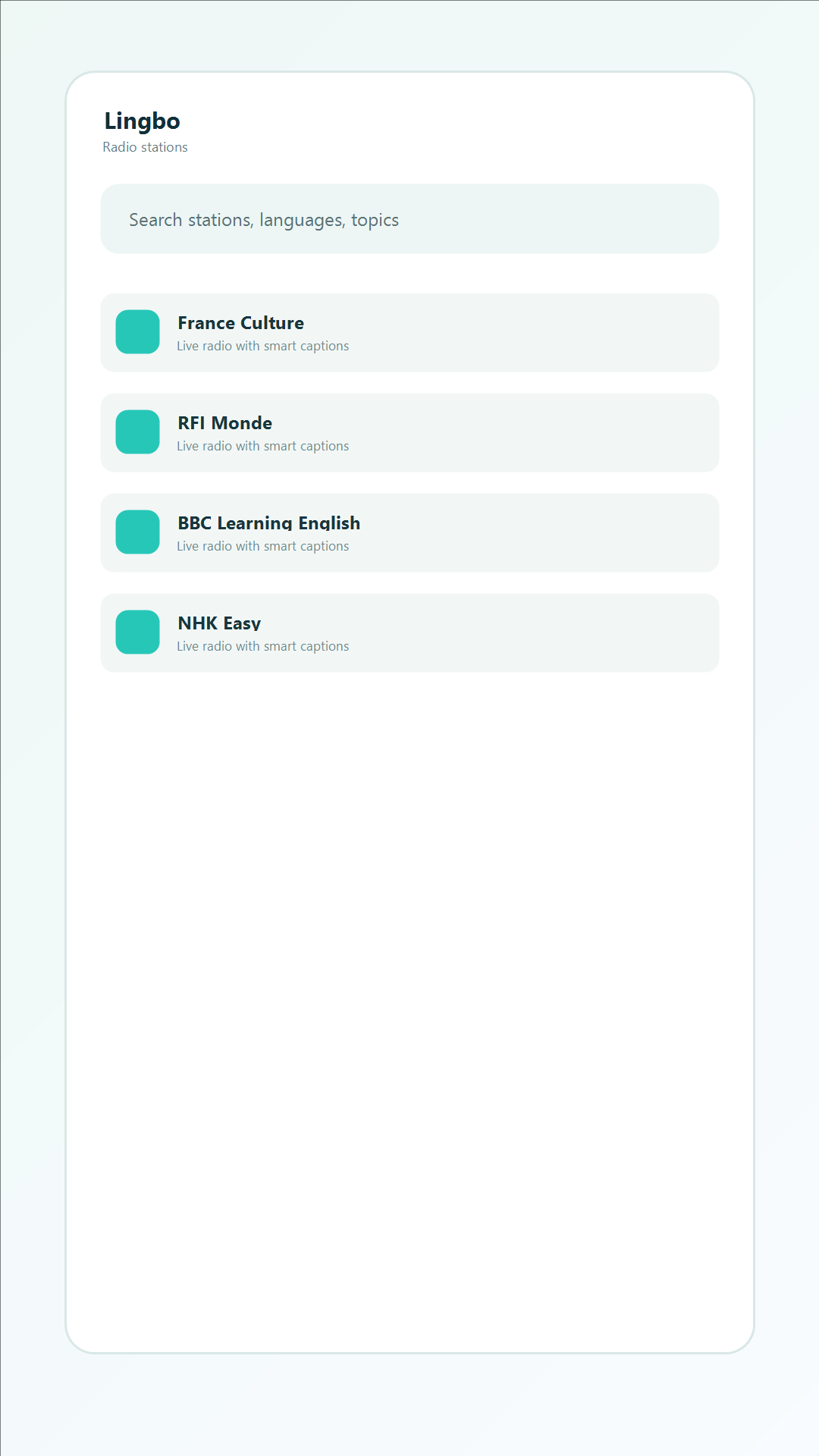
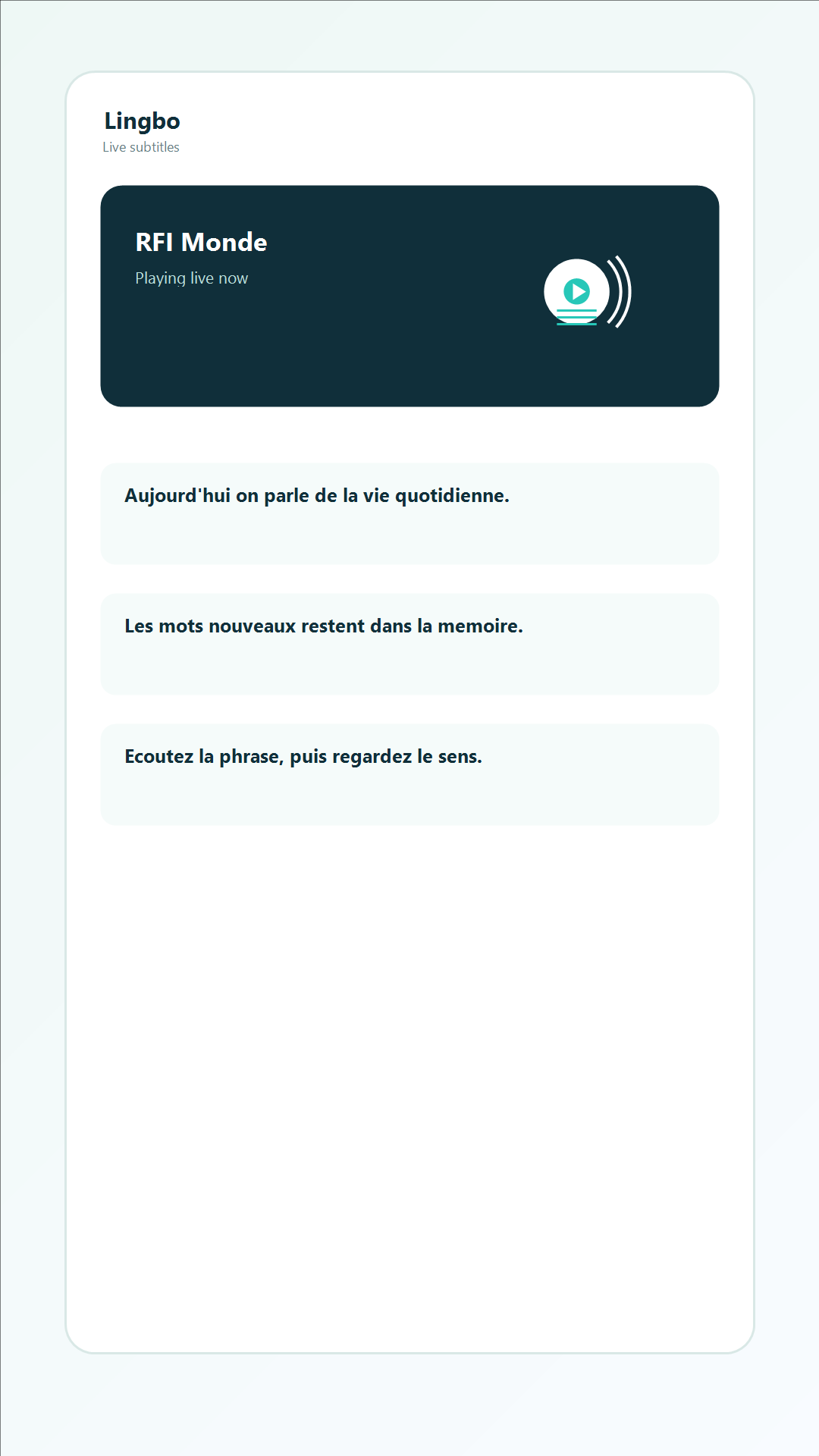
Tune in to live stations in 10 languages. Lingbo transcribes what you hear, keeps it in sync, and lets you tap any word or replay any sentence.
Textbook audio is recorded slowly, clearly, and for learners. Radio is not. Lingbo gives you the support you need to work with the real thing.
A curated set of news, talk and current-affairs stations, so you hear real speed, real accents and real phrasing.
Turn subtitles on and Lingbo transcribes what you are hearing, kept in sync with the audio.
Tap any subtitle line to jump back to that moment. Replay a hard sentence as often as you need.
Tap a word for its definition, part of speech and example usage, and build vocabulary while you listen.
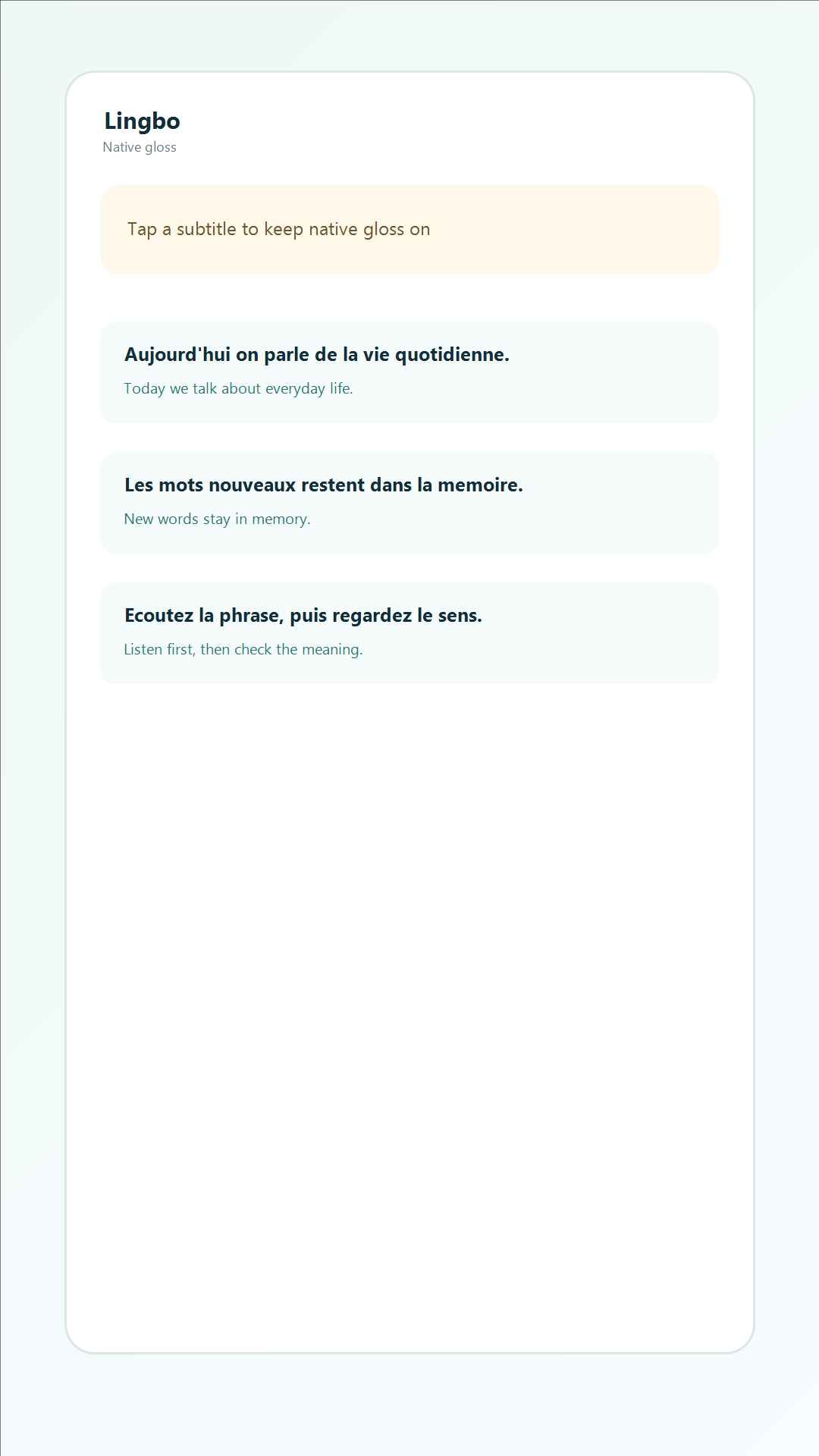
Optionally show a translation in your own language. Off by default, so it never interrupts pure listening.
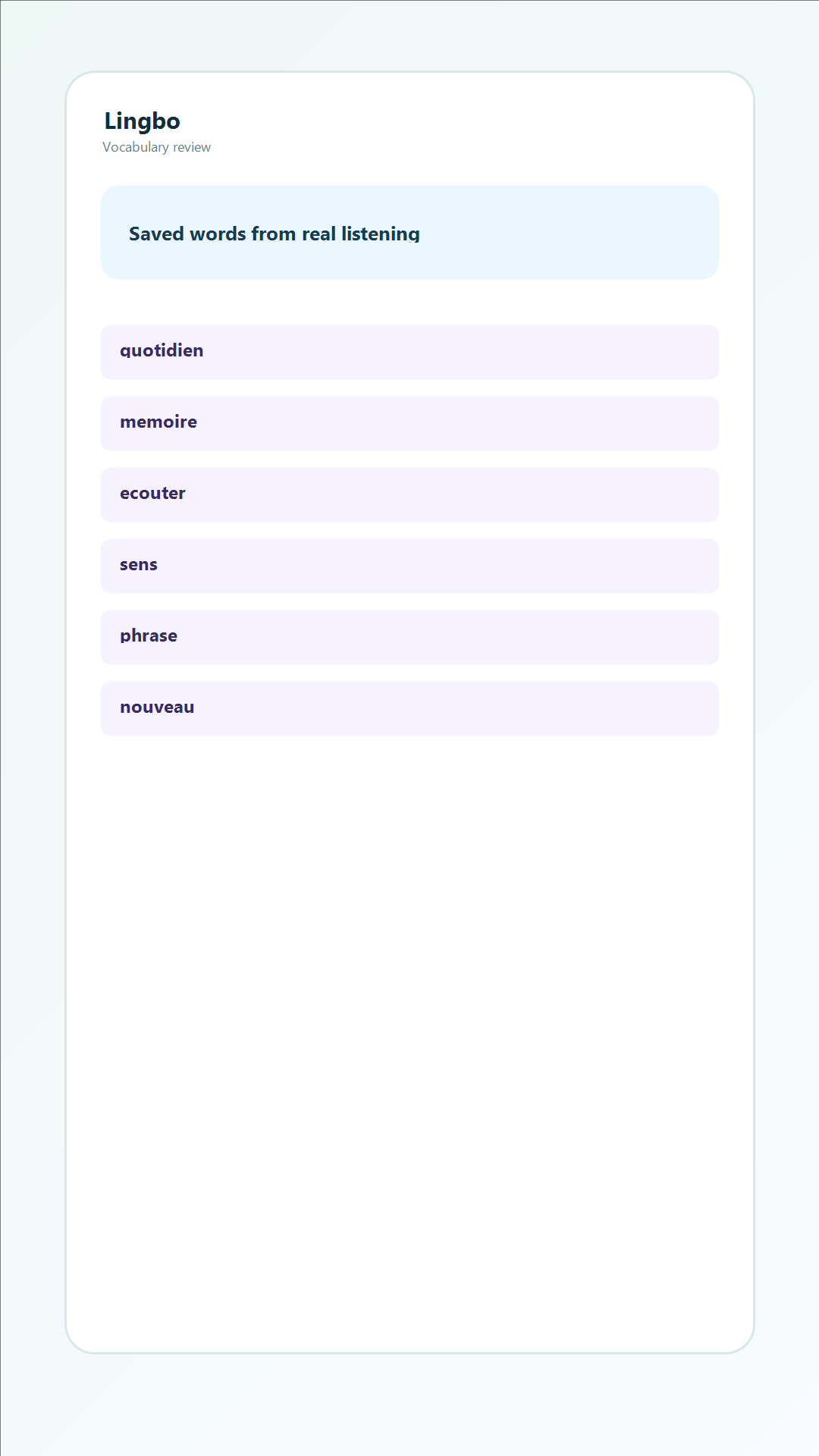
Save the words you meet while listening, then review them later with a daily reminder to make them stick.
Break a difficult sentence into its parts to see the structure and how the idea is expressed.
Sign in to keep your word list and listening history across devices.
Stations, subtitles, word lookup and review — the whole loop in one app.
The interface itself is translated into 18 languages, so you can study a new language without having to navigate a second one.
Pick a language, press play, turn subtitles on. That is the whole setup.